Getting Started
Start a new project
Use QuoinAPI as a Copier template to
scaffold a production-ready API. Only uv needs to be installed — uvx
runs Copier without a separate install step:
uvx copier copy --trust gh:balakmran/quoin-api my-api
cd my-api
cp .env.example .env
just setup
just dev
Visit http://localhost:8000 once the server is up.
Develop QuoinAPI itself
The rest of this guide covers working on QuoinAPI directly — cloning the repo, running the test suite, and contributing changes.
Prerequisites
Ensure you have the following tools installed:
- Git: Version control system.
- Python 3.14+: The programming language used.
- uv: A fast Python package installer and manager.
- just: A handy command runner for project tasks.
- Docker: Required for running the database and services.
Quick Start
Follow these steps to get up and running in minutes.
# 1. Clone the Repository
git clone https://github.com/balakmran/quoin-api.git
cd quoin-api

# 2. Configure Environment
cp .env.example .env

# 3. Setup Project (installs deps & git hooks)
just setup

# 4. Start DB, Apply Migrations, and Run the Server
just dev
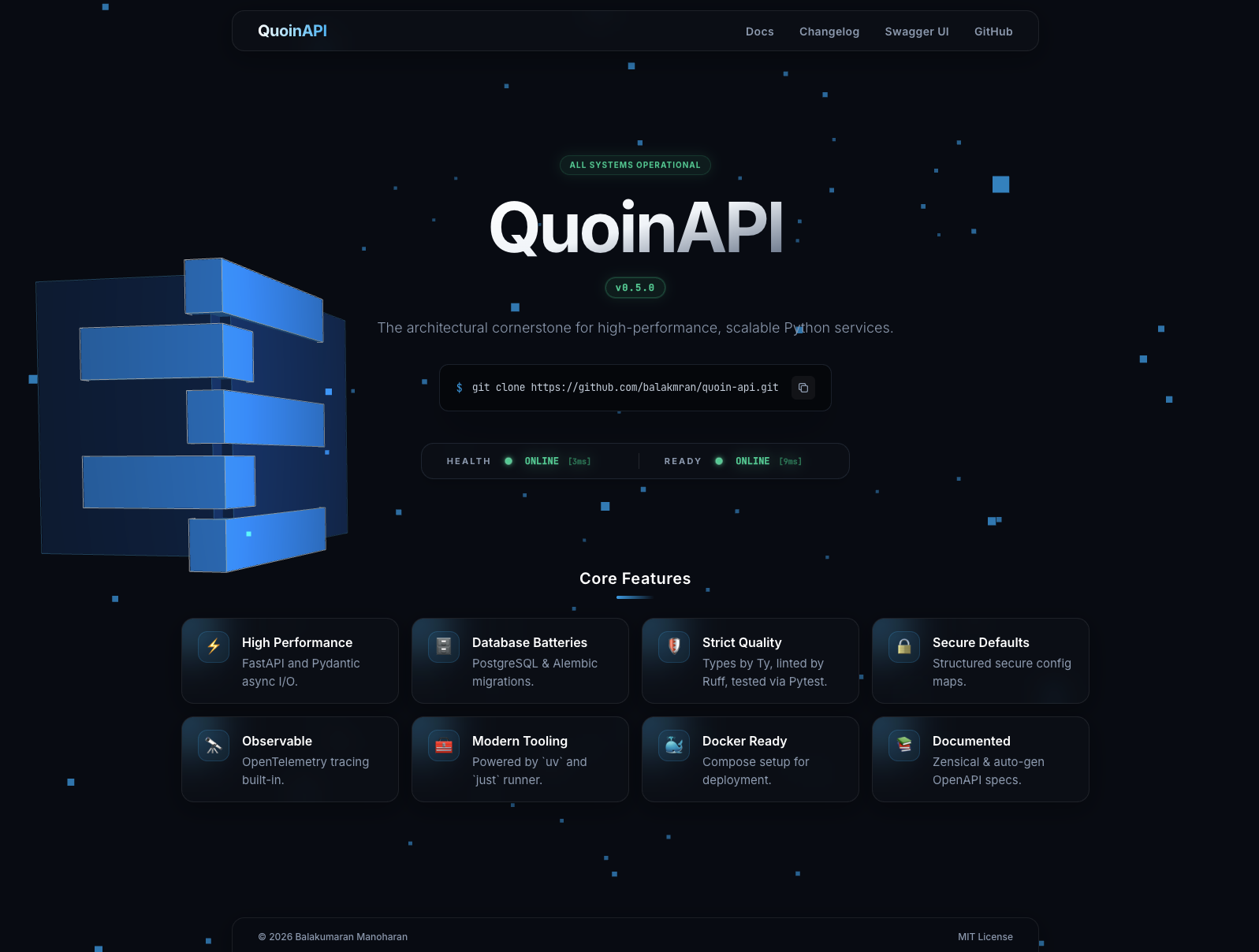
Visit http://localhost:8000 — the home page confirms the app is up. API docs are at /docs (Swagger UI) and /redoc.
Project Structure
Understanding the project layout will help you navigate the codebase.
.
├── app/
│   ├── core/                   # Core configuration (settings, logging, exceptions)
│   ├── db/                     # Database session and base models
│   ├── modules/                # Domain-specific feature modules (e.g., user)
│   │   └── user/               # Example module
│   │       ├── exceptions.py   # Domain-specific exceptions
│   │       ├── models.py       # database tables
│   │       ├── schemas.py      # Pydantic models
│   │       ├── repository.py   # CRUD operations
│   │       ├── routes.py       # API endpoints
│   │       └── service.py      # Business logic
│   └── main.py                 # Application entry point
├── tests/                      # Test suite
├── alembic/                    # Database migrations
├── docker-compose.yml          # Local development services
├── justfile                    # Task runner configuration
└── pyproject.toml              # Project dependencies and tool config
What's Next?
Now that the app is running, here are the logical next steps:
| Task | Guide |
|---|---|
| Add a new feature module | Creating a Module |
| Change environment settings | Configuration |
| Add a database column | Database Migrations |
| Write tests | Testing |
| Explore the live API | localhost:8000/docs |
Troubleshooting
Port Conflicts
If just dev fails, check if port 8000 is already in use.
Database Connection
If the app cannot connect to the database:
- Ensure the Docker container is running:
docker ps - Check logs:
docker compose logs db - Restart the database:
just db